Your morning social feed,
written by AI
You need to be seen 11 times to be seen once—and your competitors are already using AI to flood the feed (badly). Turbocharge your social presence with quality, insightful, ready-to-share posts without the slop.
Wake up to delightful content inspired by your content and interests, ready to review and post before your coffee gets cold.
Currently invite-only. Contact us to join the waitlist.
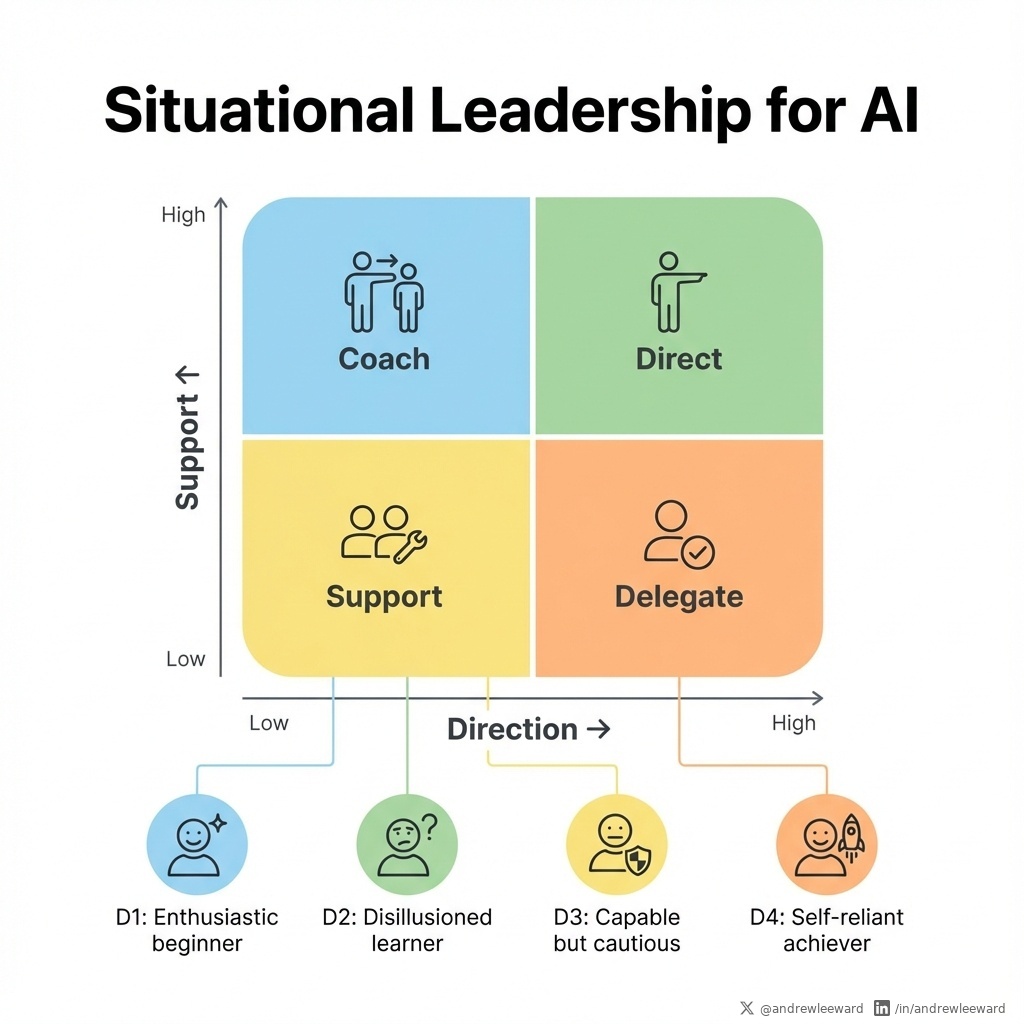
The best leaders delegate thinking, not just tasks.
The best leaders don't just delegate tasks, they delegate thinking.
Give your team problems to solve, not instructions to follow. Watch creativity flourish.
If you're building a high-performing team... Read more
The "Coco-Puffs" workflow
Like eating cereal in the morning—one hand on your phone, the other on your spoon. Review AI-generated content over breakfast, approve with a tap, and get on with your day. No creative blocks, no blank page anxiety.
Share Your Interests
Connect Readwise or curate your own library. The AI draws inspiration from your ideas, highlights, and the topics you care about.
AI Creates Your Feed
Wake up to fresh, engaging posts that sound like you. Each one inspired by content you actually care about.
Review, Refine, Post
Swipe through your feed, make quick edits by voice, and schedule across all your social platforms.
Not just AI writing—an AI that thinks
Social Tools isn't a chatbot you prompt. It's an autonomous AI agent that runs a multi-step research and creation workflow—doing the work a good social media manager would do, before you even wake up.
Research
The agent searches your inspiration library using semantic search, finding ideas and highlights relevant to your brand's topics and audience.
Analyze
It reads and understands the content, checking your posting history to avoid duplicates and identifying fresh angles worth exploring.
Create
Using your brand voice and past feedback, it crafts posts that add genuine insight—not summaries, but original takes that add value.
Generate Images
Finally, it creates matching visuals in your chosen style—with prompts informed by the post content and your image preferences.
This all happens automatically on your schedule. By the time you check your phone over breakfast, the thinking is done—you just review and approve.
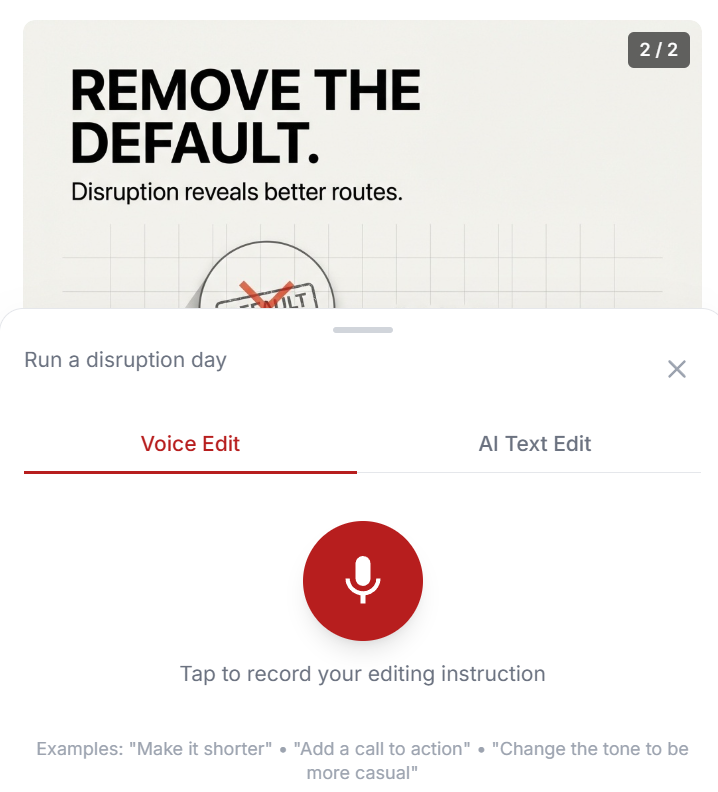
Edit posts with your voice
Spot something to tweak? Just tap the microphone and speak your changes. No typing required—perfect for quick edits on the go.
- Speak naturally—AI understands context
- Works on mobile and desktop
- Undo if it's not quite right
Images that match your content
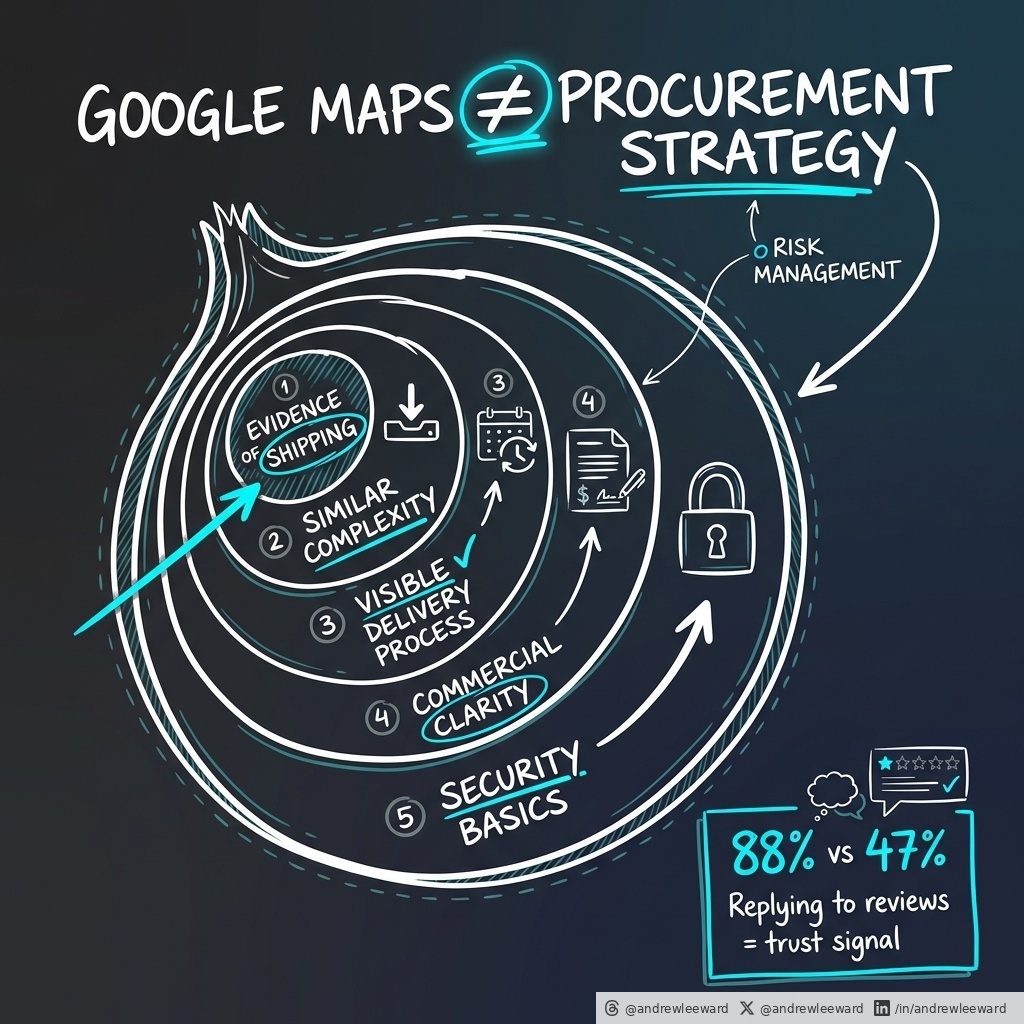
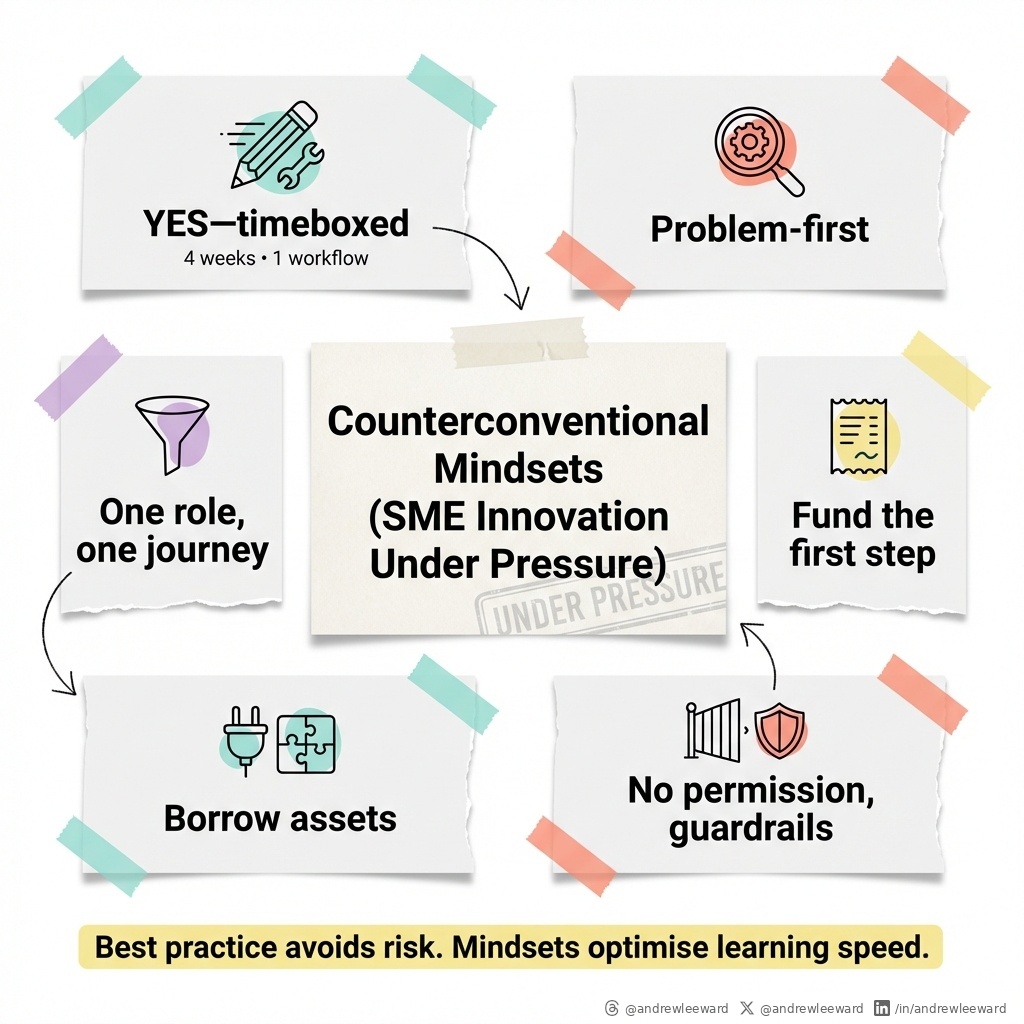
Every post comes with a unique AI-generated image designed to complement your message. Don't like it? One click generates a fresh alternative.
- Multiple style options to match your brand
- Instant regeneration when needed
- Optimized for each social platform
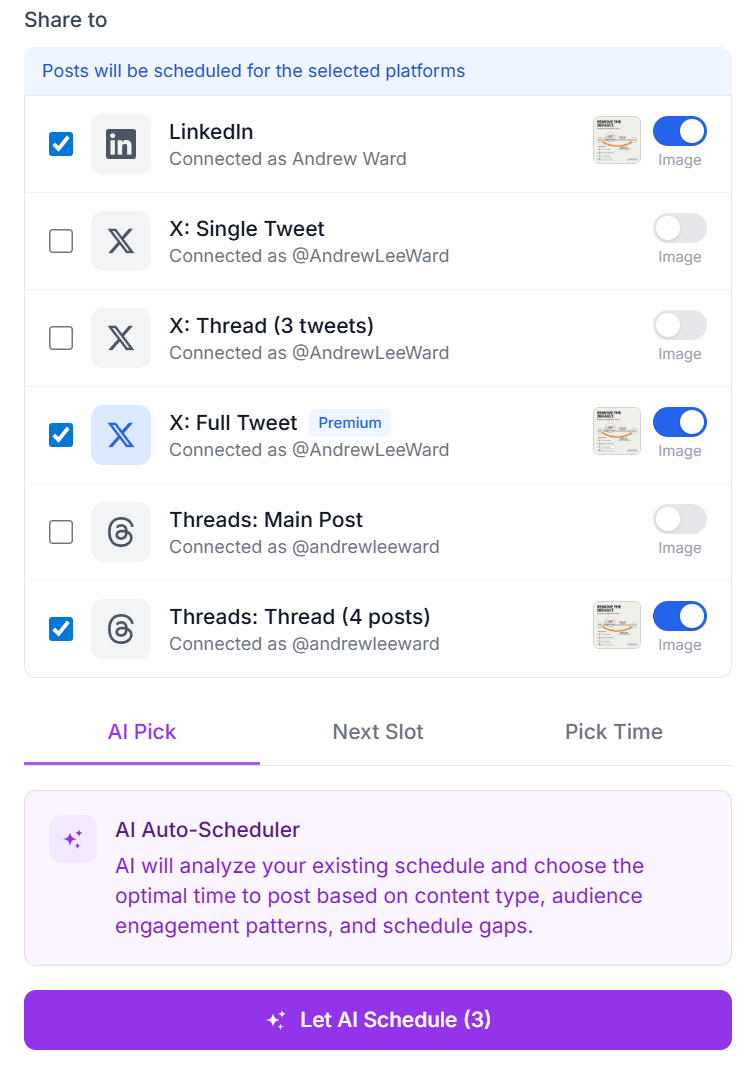
One post, every platform
Automatically adapts your content for X, LinkedIn, Threads, and more. AI optimizes length, hashtags, and formatting for each platform's unique requirements.
- AI suggests optimal posting times
- Platform-specific versions generated automatically
- Direct publishing—no copy-paste needed
Fresh content, on autopilot
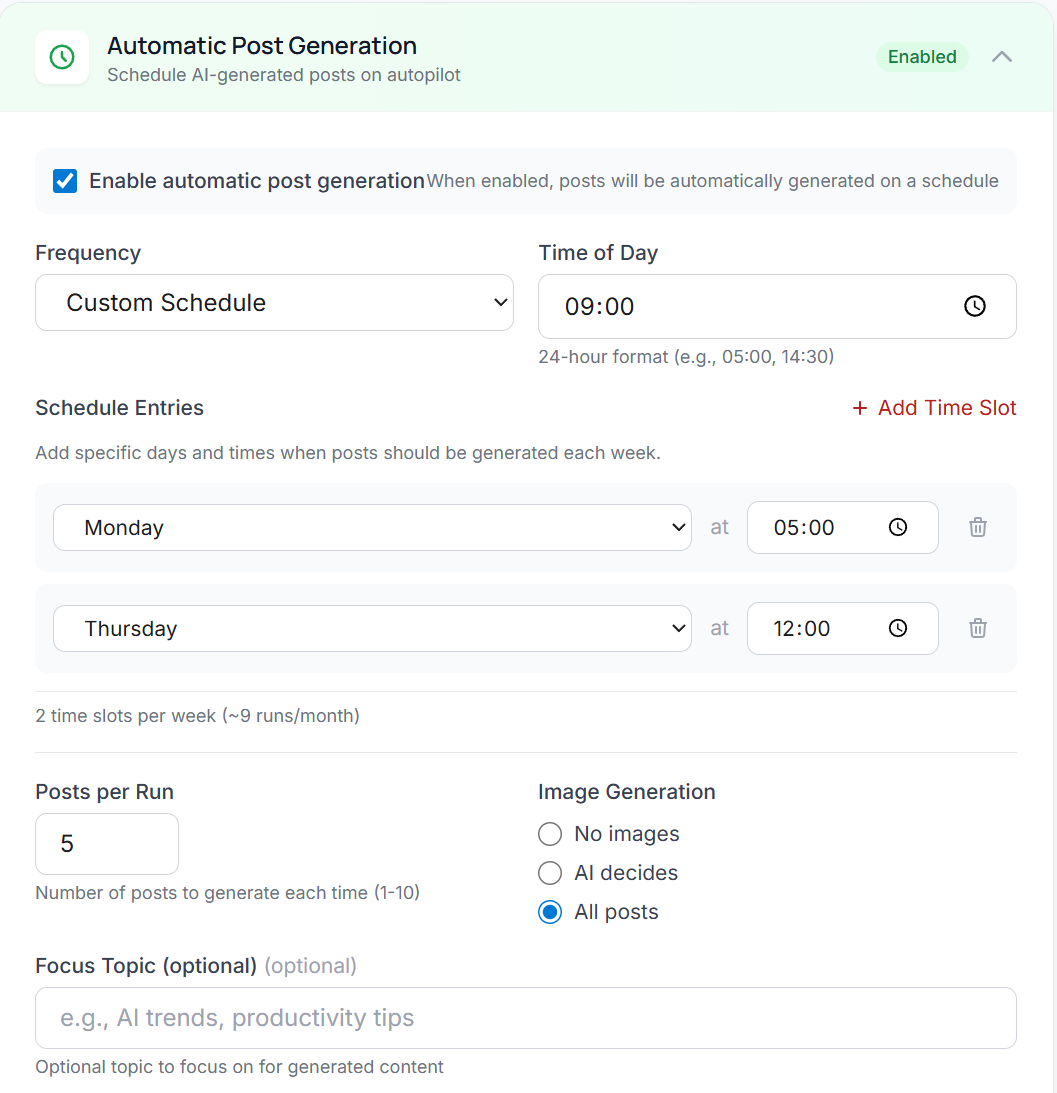
Set your preferred schedule and let the AI generate new posts automatically. Wake up to a fresh feed ready for your review every morning—or whenever works for you.
- Configure generation frequency per brand
- Choose how many posts to generate
- Pause anytime when you have enough content
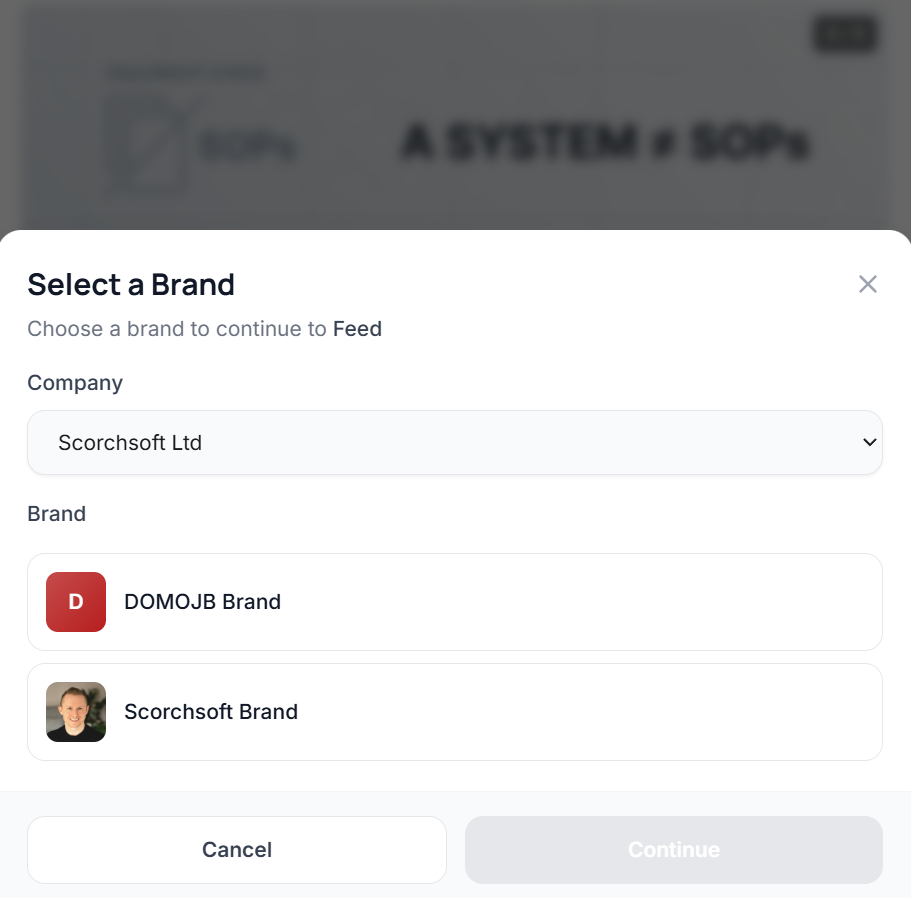
Manage multiple brands, one platform
Perfect for agencies managing multiple clients. Each brand gets its own voice, style, and inspiration library—all organized under your company umbrella.
- Unique brand voice and personality per client
- Quick context switching between brands
- Team permissions and role-based access
- Separate content libraries and Readwise accounts
Not just social—blogs too
Generate full blog articles using the same AI that knows your voice. Multi-agent workflow creates outlines, writes content, and edits for quality—all in your brand's tone.

On-Device AI, Done Properly: How to Build Offline-First Apps
A practical guide to on-device AI: decide what runs locally, pick Core ML/LiteRT/ONNX, optimise latency & battery, and design privacy-first offline UX...
Thoughtfully designed for speed
Every interaction is optimized to get you from idea to published post as quickly as possible.
Mobile-First Design
Built for reviewing content on your phone. Swipe, tap, and approve posts from anywhere.
Instant Regeneration
Not feeling a post? One tap generates a completely new version. Same for images.
Learn from Feedback
Like or dislike posts to help the AI understand your preferences over time.
Style Customization
Choose image styles, tone of voice, and content approaches that match your brand.
Source Attribution
Every post links back to the content that inspired it. Full transparency.
Track What Works
See which posts you've shared and when. Keep your content pipeline organized.
Frequently asked questions
Everything you need to know about Social Tools.
Your brand profile defines your tone, audience, topics, and content preferences—this is the foundation the AI uses for every post it creates.
Beyond that, the AI draws inspiration from your curated library of ideas and highlights, understanding the topics you care about and how you engage with them. You can also like or dislike generated posts and images—the AI factors this feedback into future generations, learning what resonates with you and what doesn't. The more you curate and provide feedback, the better it gets.
No problem. You can build your inspiration library manually by adding your own notes, ideas, and highlights directly—this can be especially useful for brands with specific topics they want to focus on.
That said, Readwise Reader offers the best experience with Social Tools. It lets you save and highlight content from anywhere—your phone, browser, or any platform—and it all syncs automatically. One tap to save an article, and it's in your inspiration library ready to spark your next post. Readwise does have a monthly subscription cost, so it's optional, but it's worth considering if you consume a lot of content.
No—and that's by design. We've deliberately built Social Tools with a human-in-the-loop process because we believe editorial control is essential, not optional.
When you're posting on behalf of your business, the stakes are real. We don't want to risk accidentally publishing something that doesn't represent you well. You remain responsible for your content, even though AI is doing the heavy lifting—and we think that's exactly how it should be.
We've worked hard to make the review process as efficient as possible. The whole workflow is designed so you can scan, approve, and tweak content in minutes. Once you're happy with a post, sharing is literally at the press of a button. It's the best of both worlds: AI does the creative work, you maintain control.
Currently we support direct publishing to X (Twitter), LinkedIn, and Threads. The AI automatically adapts your content for each platform's character limits, formatting, and best practices. More platforms are on the roadmap.
Yes. Social Tools has full role-based access control. You can invite team members with different permission levels—some can review and approve, others can edit, and admins can manage brand settings and integrations.
No—your content is never used to train AI models. We use AI APIs with data processing agreements that explicitly prohibit training on customer content.
We do index your library using semantic search technology. This allows the AI agent to intelligently search your inspiration library when creating posts, finding relevant ideas and highlights to draw from. It also helps ensure the AI doesn't create duplicate posts about topics you've already covered. Your data stays yours—it's just organized in a way that makes the AI more effective.
Social Tools isn't a simple prompt-and-response tool. It's an AI agent that runs a multi-step workflow autonomously. It explores your inspiration library, identifies interesting topics, checks what you've already posted about, considers your brand voice and past feedback, and then crafts original posts that add genuine value—not just summaries or rewrites.
Think of it as having a social media manager who's read everything you've read, understands your brand, and comes prepared each morning with thoughtful content ideas. You're not prompting an AI; you're reviewing work that's already been done for you.
The AI agent does real research before writing anything. It searches your inspiration library for relevant ideas, understands the context, and then adds its own insight or angle. It's not just summarizing—it's connecting ideas, drawing out implications, and creating original posts that would take a human time to develop.
Your brand profile, past feedback (likes and dislikes), and the specific content you've curated all shape the output. The result is posts that sound like you thought about them, because the AI actually did the thinking.
Social Tools works best when you're sharing your own perspective on topics you care about. Here's a simple guide:
When in doubt, err on the side of caution. If you're unsure whether something might infringe copyright, it's best not to include it. We also encourage you to review all generated posts before publishing to ensure they reflect your original perspective rather than reproducing source material.
Ready to transform your content workflow?
Social Tools is currently invite-only. Contact us to discuss how AI-powered content generation can work for your brand or agency.
Built by Scorchsoft

Like what you see?
Let's build something for you.
Social Tools was built by Scorchsoft, a UK-based software development company specialising in AI-powered applications, SaaS platforms, and custom business tools.
If you have an idea for a tool that could transform your business—or want to explore how AI can give you a competitive edge—we'd love to hear from you.
What we build
-
AI-Powered ApplicationsAgents, automation, and intelligent workflows
-
SaaS PlatformsMulti-tenant apps with subscriptions and billing
-
Web & Mobile AppsConsumer and enterprise applications
-
Internal Tools & IntegrationsCustom solutions that fit your workflow